How To Unlock Craftsman Miter Saw?
To unlock your Craftsman miter saw, you generally need to disengage the head lock pin, which secures the saw’s cutting head for safe storage or transportation.
Often, you must press down gently on the saw head while pulling the pin or lever to completely release the Craftsman miter saw and prepare it for operation.
For a quick guide on unlocking your Craftsman miter saw:
- Always start by locating the head lock pin, usually at the back or side.
- Apply slight downward pressure to the saw head as you pull the pin to release it.
- To adjust angles, find the specific miter lock lever or knob under the table.
- The bevel lock, often a lever at the rear, controls the saw’s tilt.
- Always make sure the saw is unplugged before attempting any adjustments or maintenance.
How To Unlock Craftsman Miter Saw?
Unlocking your Craftsman miter saw typically means releasing its transport or storage lock, allowing the saw head to move freely for cutting tasks.
This process usually takes just a moment once you understand where to find the necessary pins or levers.
Understanding Your Miter Saw’s Locks
Miter saws, including those from Craftsman, come with several locking mechanisms. These are here for your safety and precise cuts.
Knowing each one helps you unlock the saw correctly, preventing frustration and potential damage.
The Head Lock Pin
This pin, sometimes called a storage or transport lock, keeps the saw head down and secure. It is the most common reason people ask how to unlock a Craftsman miter saw.
It stops the saw head from springing up unexpectedly when you are moving it or not using it.
Miter Angle Lock
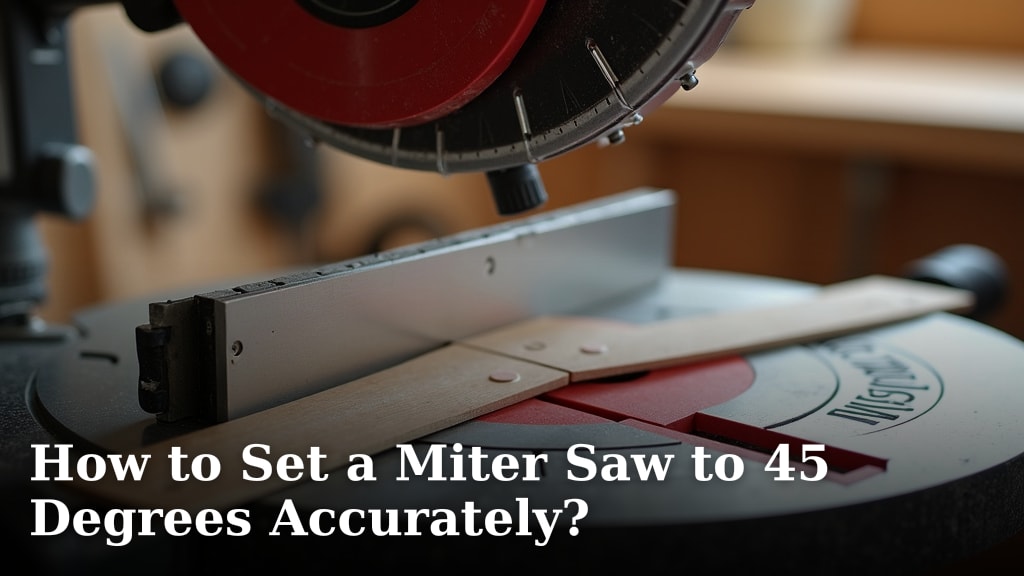
This lock holds the saw table at specific angles for crosscuts, like 45 degrees. You will find a lever or knob to adjust and secure this position.
It ensures your cuts are accurate and repeatable across multiple workpieces.
Bevel Angle Lock
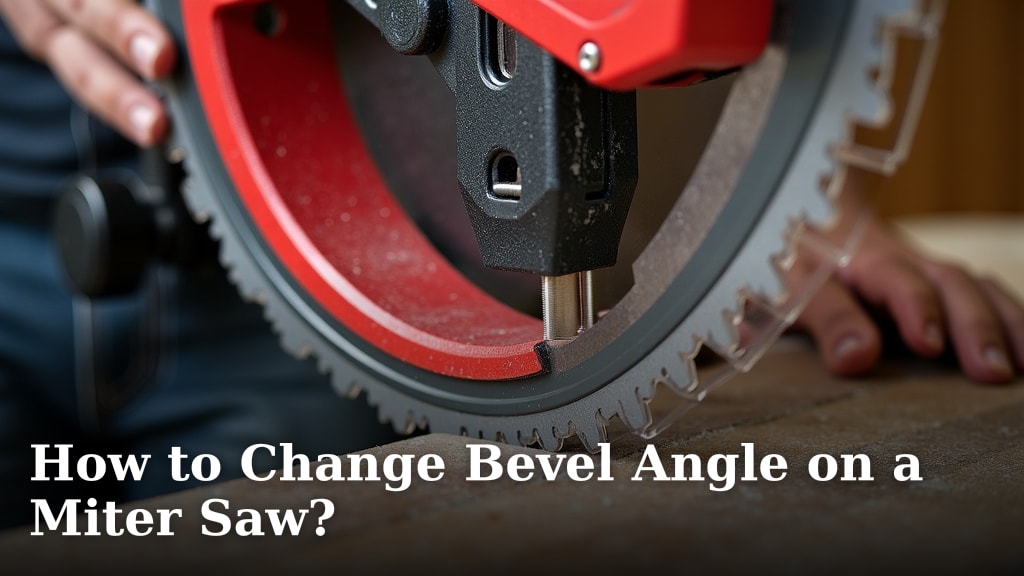
The bevel lock lets you tilt the entire saw head, often for angled cuts along the face of a board. This is usually located at the back of the saw and is a lever or clamp.
Releasing it allows the blade to tilt from vertical, usually up to 45 degrees or more in one or both directions.
The Main Culprit: The Head Lock Pin
Many users first encounter a “stuck” saw when the head lock pin will not release. This pin keeps the blade guard and saw head safely down.
It is designed to be sturdy, but sometimes it needs a little encouragement to disengage.
Releasing a Stuck Head Lock
If the head lock pin on your Craftsman miter saw feels stiff, do not panic. This is a common situation.
We found that a light downward push on the saw head can often relieve pressure on the pin, making it easier to pull out or press.
Gentle Pressure and Wiggle
Try pushing the saw head down by just an inch or two with one hand. While holding it down, use your other hand to pull the lock pin out or press the release button.
Sometimes, a slight wiggle of the saw head can also help the pin align and slide free. It is like opening a sticky drawer.
Lubrication (Sparing Use)
If the pin is still stubborn, a tiny drop of light machine oil on the pin itself might help. We recommend using lubricant sparingly (Craftsman User Manuals).
Just a small amount can help reduce friction and allow the pin to slide more smoothly.
Unlocking the Miter Angle
Once your saw head is free, you might need to adjust the angle for your cuts. This involves the miter lock.
Look beneath the saw’s main table, usually near the front, for a lever or T-shaped knob.
To change the miter angle:
- Loosen the miter lock lever or knob.
- Move the saw table to your desired angle (e.g., 22.5, 30, 45 degrees).
- Tighten the lever or knob firmly to secure the new angle.
Adjusting the Bevel Angle
For cuts that tilt the blade, you will adjust the bevel angle. This lock is almost always found at the back of the saw, behind the motor housing.
It is usually a large lever or a knob that you loosen to allow the saw head to tilt left or right.
Here’s a simple guide for common lock types and actions:
| Lock Type | Location | Release Action |
|---|---|---|
| Head Lock Pin | Rear or Side of Saw Head | Push down on saw head, then pull pin/press button. |
| Miter Lock | Under Front of Saw Table | Loosen lever or T-knob, adjust angle, then tighten. |
| Bevel Lock | Rear of Saw Motor Housing | Loosen large lever or knob, tilt head, then tighten. |
Quick Troubleshooting Checklist
Before you get too worried, run through this simple checklist if your saw still seems stuck:
- Is the saw unplugged for safety?
- Are you pushing down on the saw head enough before pulling the pin?
- Is the miter lock loosened before trying to adjust the table?
- Is the bevel lock fully disengaged if you are trying to tilt the blade?
- Are there any visible obstructions, like sawdust or debris, near the locks?
Blade Lock for Changing Blades
When it is time to change your blade, there is another lock to consider. This usually involves a button that prevents the blade from spinning while you loosen the arbor nut.
Always refer to your Craftsman owner’s manual for specific blade changing instructions and disconnect power first.
Why Does My Saw Keep Getting Stuck?
If your saw often seems difficult to unlock, it could be a sign of a few things. Many experts say maintenance plays a big part.
Dust buildup is a common culprit, as fine particles can gum up moving parts and pins.
Dust Build-up and Debris
Sawdust can settle into the locking mechanisms, making them stiff. We found that even small pieces of wood can lodge in the pins.
Regular cleaning is key to keeping your saw operating smoothly (Wood Magazine).
Lack of Maintenance
Just like any tool, your miter saw benefits from routine care. Neglecting it can cause parts to stiffen or corrode.
A little attention goes a long way in preventing future locking issues.
Environmental Factors
Humidity and temperature changes can also affect your saw. Metal parts can expand or contract slightly, sometimes leading to a tighter fit.
Storing your saw in a dry, stable environment can help prevent such issues.
Preventative Maintenance Tips
Keeping your Craftsman miter saw in top condition will prevent most locking problems.
A little routine care saves you time and frustration down the road.
Regular Cleaning
After each use, take a moment to clear sawdust from around the blade, fence, and locking mechanisms. A shop vac or air compressor works great.
Pay special attention to the head lock pin and the miter and bevel scales.
Lubrication Checks
Periodically, check if any moving parts, like the head lock pin, need a tiny bit of lubricant. Use a dry film lubricant or light machine oil sparingly, as per your manual.
Avoid heavy greases, which can attract more dust and make things worse.
Proper Storage
When not in use, store your miter saw in a clean, dry area. Protect it from dust and extreme temperatures.
A cover can help keep dust out of its critical components.
Conclusion
Unlocking your Craftsman miter saw does not have to be a mystery. For Milwaukee-specific steps, see our guide to unlocking a Milwaukee miter saw. For a wider look at the miter, bevel, and head locks, see how to unlock a compound miter saw. By understanding the different locking mechanisms—the head lock pin, miter lock, and bevel lock—you can address most issues quickly.
Remember to always prioritize safety, make sure the saw is unplugged before adjusting, and apply gentle, controlled force rather than trying to power through.
With a bit of patience and regular maintenance, your Craftsman miter saw will be ready for precise cutting whenever you are.
How do I unlock the head on a Craftsman miter saw?
To unlock the head, gently push down on the saw itself, then locate the head lock pin (often at the rear or side) and pull it out or press the release button. This action relieves pressure on the pin, allowing it to disengage.
What if my miter saw’s angle adjustment is stuck?
If the miter angle adjustment is stuck, make sure the miter lock lever or knob beneath the saw table is fully loosened. Check for any sawdust or debris obstructing the movement and clear it. Sometimes, a gentle tap can help free a sticky mechanism.
Where is the bevel lock on a Craftsman miter saw?
The bevel lock on a Craftsman miter saw is typically found at the back of the saw, behind the motor housing. It’s usually a large lever or knob that you loosen to allow the entire saw head to tilt left or right for angled cuts.
Can sawdust cause my miter saw locks to stick?
Yes, sawdust is a common reason why miter saw locks can stick. Fine wood dust can accumulate in the mechanisms, causing friction and preventing pins or levers from moving freely. Regular cleaning helps prevent this issue.
Should I lubricate the locking pins on my miter saw?
You can apply a very small amount of light machine oil or a dry film lubricant to stiff locking pins or moving parts. Many experts suggest using lubricants sparingly to avoid attracting more dust, and always refer to your Craftsman manual for specific recommendations.