How To Unlock Dewalt Miter Saw?
To unlock your Dewalt miter saw, typically you need to release the main head lock pin, often found at the rear or side of the saw’s arm, and ensure any transport locks for the sliding arm or bevel angle are disengaged.
Each Dewalt miter saw model might have slightly different lock locations, but the core process involves identifying and releasing these safety and transport mechanisms for full tool movement.
Here’s a quick overview of what you’ll find in this guide:
- Most Dewalt miter saws lock down for safe transport and storage.
- Locate the main head lock pin, often a metal pin or lever, and pull it to free the saw head.
- Check for a sliding arm lock lever, usually on the rail, to allow back-and-forth motion.
- The bevel lock knob, typically at the rear, lets you adjust the blade’s tilt angle.
- Always refer to your specific model’s manual for precise lock locations and steps.
How To Unlock Dewalt Miter Saw?
Unlocking your Dewalt miter saw usually involves disengaging a few key mechanisms designed for safety and transport. You’ll need to release the main head lock pin, and then address any specific locks for the sliding arm, bevel angle, or miter table.
Why Does Your Dewalt Miter Saw Lock Up?
Your Dewalt miter saw is designed to lock in several positions. These locks are not a malfunction. They are essential safety features. They prevent movement during transport and ensure precision when making cuts. Understanding these locks is the first step.
The Safety Lock Mechanism
Every miter saw has built-in safety features. These keep the blade secure when not in use. They also prevent accidental drops of the saw head. Think of them like a car’s parking brake; they hold things firmly in place.
Transport Locks Explained
When you move your saw, transport locks keep it compact and stable. This prevents damage to the tool. It also protects you from accidental blade exposure. These locks often secure the saw head down and the sliding arm in place.
Step-by-Step Guide to Unlocking Your Saw
Ready to get your Dewalt miter saw moving? We’ll walk through each lock you might encounter. Follow these steps carefully to ensure you unlock your tool safely and correctly. Always put safety first.
Releasing the Head Lock
The main head lock secures the saw head in its lowest position. Look for a metal pin, often spring-loaded. It might be at the back or side of the saw arm. Simply pull or push this pin to release the head (research and found).
Sometimes, you might need to gently push the saw head down slightly. This releases pressure on the pin. Then, you can easily pull the pin out. The saw head should then lift freely.
Handling the Bevel Lock
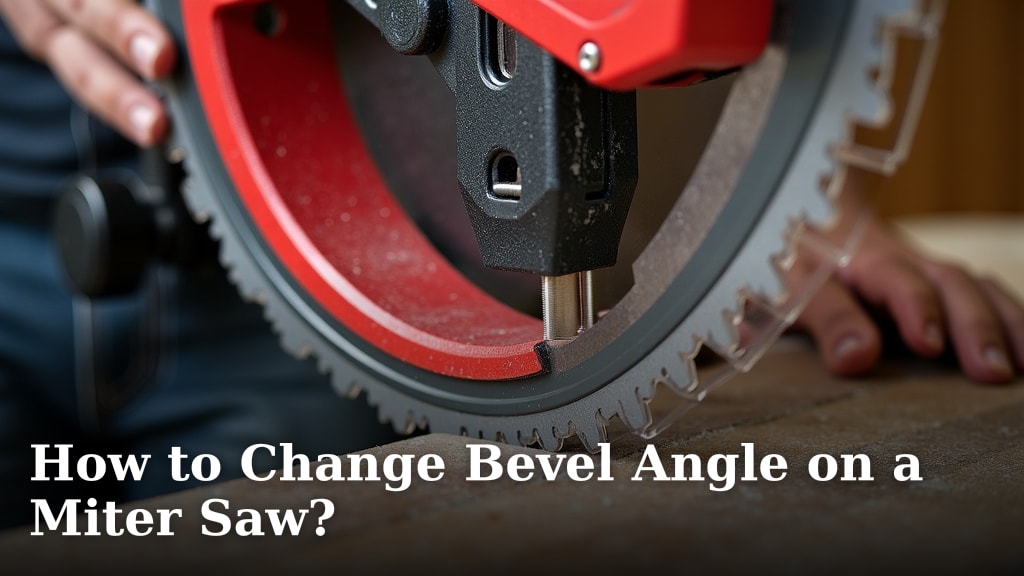
The bevel lock allows your blade to tilt left or right for angled cuts. This lock is usually a knob or lever. You’ll find it at the rear of the saw, behind the motor. Loosen this knob or lever to change the bevel angle.
Once you’ve set your desired bevel angle, remember to tighten the lock again. This ensures your cut is accurate. Many experts say a secure bevel lock is key for safe operation (Power Tool Institute).
Adjusting the Miter Angle Lock
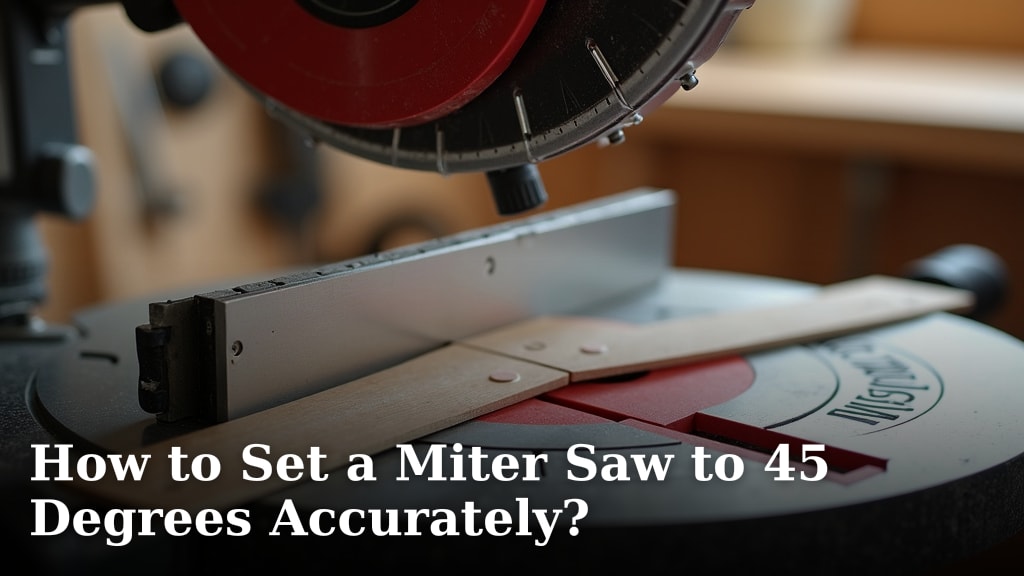
The miter lock secures the rotating base of your saw. This lets you cut angles across the material. Locate the large handle or knob at the front of the saw. Loosen it to adjust the miter table.
Some Dewalt models have a trigger or thumb release. This allows you to quickly adjust to common miter angles. Once your angle is set, tighten that handle or knob firmly. This prevents the table from shifting during your cut.
Unlocking the Sliding Arm (If Applicable)
If you have a sliding miter saw, see our guide to unlocking the sliding mechanism. This keeps the saw head from moving back and forth. It’s usually a lever or knob near the sliding rails. Turn or flip it to disengage the lock.
This lock is especially useful for transport. It prevents the saw head from unexpectedly extending. Always make sure it’s unlocked before attempting any slide cuts. We found that forgetting this is a common oversight.
Common Issues and Quick Fixes
Sometimes, your saw might seem stuck even after releasing the obvious locks. Don’t worry, these are usually minor hiccups. Here are a few common issues and how to troubleshoot them. It’s like finding a stubborn knot in a shoelace.
Blade Guard Stuck?
The lower blade guard sometimes gets stuck. This can happen if sawdust builds up. Gently clear any visible debris around the guard. You might also try moving the saw head up and down a few times. This can free it.
Power Issues
While not a lock issue, sometimes a saw won’t operate. This could be a power problem. Check your power cord and outlet. Ensure the circuit breaker hasn’t tripped. A saw won’t move if it has no power, right?
| Lock Type | Location | Quick Fix |
|---|---|---|
| Head Lock Pin | Rear/Side of Arm | Pull/Push Pin, gentle downward pressure on head |
| Bevel Lock | Rear of Saw | Loosen knob/lever |
| Miter Lock | Front of Base | Loosen large handle/knob |
| Sliding Arm Lock | Near Rails | Flip lever/turn knob |
Preventative Measures and Maintenance
A well-maintained saw is less likely to get stuck. Regular cleaning is your best friend. Sawdust can bind up moving parts and locks. Keep your saw clean and lubricated according to the manufacturer’s instructions.
We found that a little preventative care goes a long way. Think of it as giving your saw a spa day. It’ll thank you with smooth operation. Always follow the guidelines in your owner’s manual for lubrication points.
Before each use, it’s wise to perform a quick check:
- Is the saw head moving freely?
- Does the miter table rotate smoothly?
- Is the bevel mechanism loosening correctly?
- Are all debris cleared from around the blade guard?
- Are all power connections secure?
When to Call for Help
If your Dewalt miter saw remains stubbornly locked, it might be time for expert assistance. Do not force any parts. Forcing components can cause damage or even injury. Many experts say patience is key here.
Consult your Dewalt owner’s manual first. If that doesn’t help, contacting Dewalt customer service is a good next step. They can provide model-specific troubleshooting. Sometimes, a professional repair is the safest solution.
Conclusion
Unlocking your Dewalt miter saw is a straightforward process once you understand its various safety and transport locks. For a Hercules model, see our Hercules unlocking guide. By methodically checking the head lock, bevel lock, miter lock, and sliding arm lock, you can quickly get your saw ready for use. Remember to prioritize safety, consult your manual, and don’t hesitate to seek professional help if you encounter a persistent issue. Happy cutting!
Frequently Asked Questions
Why won’t my Dewalt miter saw head lift up?
Your Dewalt miter saw head likely won’t lift because the head lock pin is engaged. This pin, usually a metal rod at the rear or side of the saw’s arm, keeps the head secured for transport. Push down slightly on the saw head while pulling the pin out to release it.
How do I release the sliding lock on a Dewalt miter saw?
To release the sliding lock, look for a lever or knob located near the sliding rails or guide tubes on your Dewalt miter saw. This mechanism is designed to prevent the saw head from sliding during transport. Turn or flip the lever to disengage the lock and allow the saw head to move forward and backward.
Can a Dewalt miter saw be used if the bevel lock is stiff?
While you might be able to use a Dewalt miter saw with a stiff bevel lock, it’s not ideal and can affect accuracy. A stiff lock often indicates a buildup of sawdust or a need for lubrication. We found that cleaning the area around the bevel mechanism and applying a suitable lubricant (as recommended by Dewalt) usually resolves the stiffness.
What should I do if my miter saw’s base won’t rotate for angle adjustments?
If your miter saw’s base isn’t rotating, ensure the miter lock handle or knob at the front of the saw is completely loosened. Sawdust or debris under the rotating table can also bind it. Try cleaning the area around the base and apply gentle pressure while rotating. Never force it, as this could cause damage.
Is it normal for a new Dewalt miter saw to feel stiff when unlocking?
Yes, it is common for a new Dewalt miter saw to feel a bit stiff when unlocking various mechanisms. Parts are brand new and haven’t been “broken in” yet. With regular use, the locks and moving parts will typically loosen up and operate more smoothly. Always refer to the manual for initial setup and operation tips.