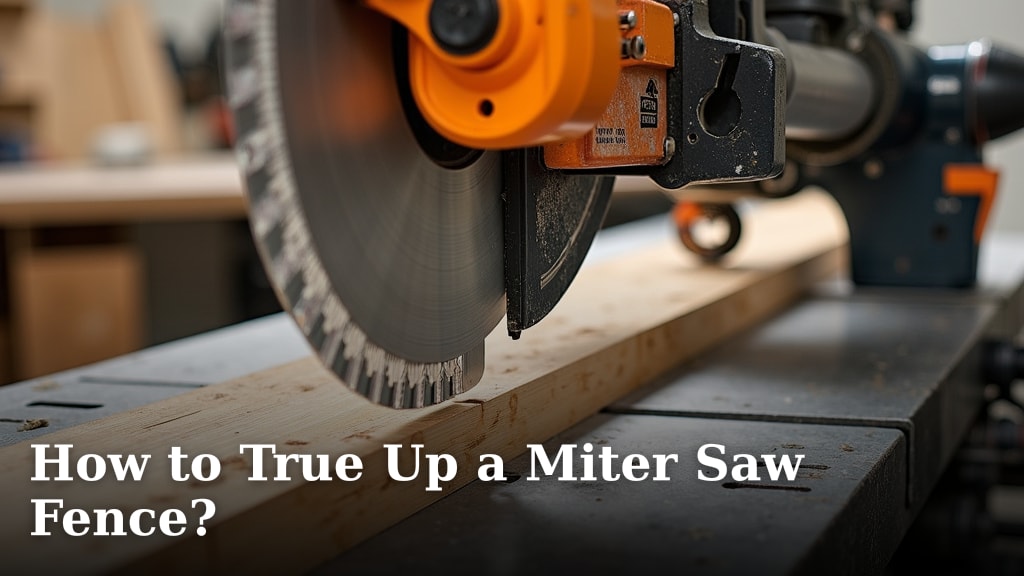
Why Is My Miter Saw Leaving Rough Cuts?
On this page (7 sections)
Your miter saw is leaving rough cuts primarily because of a dull blade, using the wrong type of blade, or a blade that’s not spinning fast enough. These issues can make your woodworking projects look messy, frustrating you to no end. We’ve researched and found these are the most common culprits behind jagged edges.
Dealing with rough cuts can feel like a defeat, especially after careful measuring. But don’t worry, this problem is usually fixable with a few adjustments. Many experts agree that the condition of your blade and how you’re using it are key to getting clean, smooth results. A clean, sharp blade makes a huge difference in the final look of your material.
- Rough cuts often stem from a dull blade.
- Using the wrong blade for the material is another common cause.
- Blade speed and the way you feed the material matter, too.
- Checking your blade’s alignment can prevent wobbling. Checking your blade’s alignment can prevent wobbling and ensure cleaner cuts.
- Proper blade tension is essential for clean cuts.
Below, we’ll walk through the specific reasons why your miter saw might be producing those rough edges and how you can fix them to achieve the smooth finish you’re aiming for.
So, you’ve just finished a project, or maybe you’re in the middle of one, and you notice those unsightly rough edges on your wood. It’s frustrating, right? You expect a clean, crisp cut from your miter saw, but instead, you’re getting splintered, jagged surfaces. Don’t throw in the towel just yet! We’ve dug into the common reasons why this happens, and the good news is, most of them are easily fixed.
Troubleshooting Jagged Cuts From Your Miter Saw
Getting those perfect, smooth cuts is the goal for any woodworking project. When your miter saw leaves rough edges, it can feel like a serious setback. Let’s figure out what’s going on so you can get back to creating beautiful things.
The Blade: Your Cutting Companion
The blade on your miter saw is arguably the most important part when it comes to cut quality. Think of it like the sharpest knife in your kitchen; a dull one just won’t perform well. We found that blade condition is the top culprit for rough cuts.
Is Your Blade Dull?
A dull blade is the most common reason for rough cuts. When the teeth aren’t sharp, they don’t slice through the wood cleanly. Instead, they tear it apart. This tearing action leads to those splintered, fuzzy edges you’re seeing.
How often should you sharpen or replace your blade? It depends on how much you use your saw and the types of materials you cut. Cutting into abrasive materials or hitting nails can dull a blade much faster. We found that for general woodworking, a blade might need attention every 500 cuts or so, but this is a rough estimate. Many experts suggest inspecting your blade regularly. If you’re seeing rough cuts, a dull blade is highly suspect (Popular Woodworking).
The Wrong Tooth Count or Type
Just like you wouldn’t use a bread knife to slice steak, you shouldn’t use just any blade on your miter saw for every type of wood. The number of teeth and the blade’s design play a big role.
A blade with a high tooth count is generally better for smoother cuts, especially on softer woods or plywood. More teeth mean smaller gullets (the space between teeth), which helps in removing sawdust efficiently and reduces the chance of tear-out. For example, a 60-tooth blade will often provide a cleaner finish than a 24-tooth blade.
Conversely, a low tooth count blade has larger gullets, which are better for faster, more aggressive cuts in thicker, harder materials. These blades can sometimes leave a rougher edge because each tooth is larger and removes more material at once.
We found that using a blade designed for ripping (cutting with the grain) on crosscuts (cutting across the grain) can also lead to rough results. Always choose a blade that matches your material and the type of cut you’re making, including a miter saw blade for framing.
Blade Wobble: Is It True?
Sometimes, the issue isn’t just sharpness or tooth count. Your blade might be literally wobbling as it spins. This instability causes the teeth to hit the wood at inconsistent angles, leading to a very rough cut.
What causes a blade to wobble? Several things could be at play:
- Loose Flange Nuts: The nuts holding the blade in place might be too loose. It’s important to tighten these securely, but not so much that you warp the blade.
- Bent Blade: The blade itself could be bent. This can happen if it’s dropped or if it binds during a cut.
- Worn Arbor Bearings: The bearings on the saw’s arbor (the shaft the blade mounts on) might be worn out, causing excessive play and wobble. This is a more serious repair issue.
A simple check is to turn off your saw, let the blade stop completely, and then gently try to wiggle it side-to-side. If you feel significant play, or if you can see the wobble when the saw is running (carefully!), that’s your problem.
Feeding the Material: Your Technique Matters
Even with a sharp, appropriate blade, how you feed the material into the saw can drastically affect the cut quality. Think of it like buttering toast; if you rush and jam the knife, you’ll tear the bread. Slow and steady wins the race here.
Speed of the Cut
Cutting too quickly is a major reason for rough edges. When you force the material into the spinning blade, you’re not giving the teeth enough time to do their job. This is especially true when cutting hardwoods or thicker stock.
We found that a steady, controlled feed rate is key. Let the saw do the work. You should feel a slight resistance, but you shouldn’t have to push hard. If the motor is bogging down, you’re pushing too fast. Many woodworkers suggest a cutting speed that allows the sawdust to be ejected cleanly without excessive force.
Depth of Cut
Taking too much material off at once can also lead to rough cuts and potential binding. If you’re cutting a very thick piece of wood, consider making multiple passes instead of trying to cut through it all in one go.
For example, if you have a 2×6 board, you might not get a clean cut in a single pass if your blade isn’t designed for it or if it’s starting to get dull. A good rule of thumb is to make a shallow cut first to score the wood, then deepen the cut. This reduces the load on the blade.
Support for Your Material
Wood that isn’t properly supported during the cut is more likely to shift, vibrate, or splinter. This makes it incredibly difficult for the blade to make a clean pass.
Make sure your workpiece is held firmly against the fence and the saw’s table. For longer pieces, use outfeed support, like roller stands or saw horses. This prevents the end of the wood from dropping as you finish the cut, which can cause tear-out. We found that a stable workpiece is just as important as a sharp blade for achieving smooth edges.
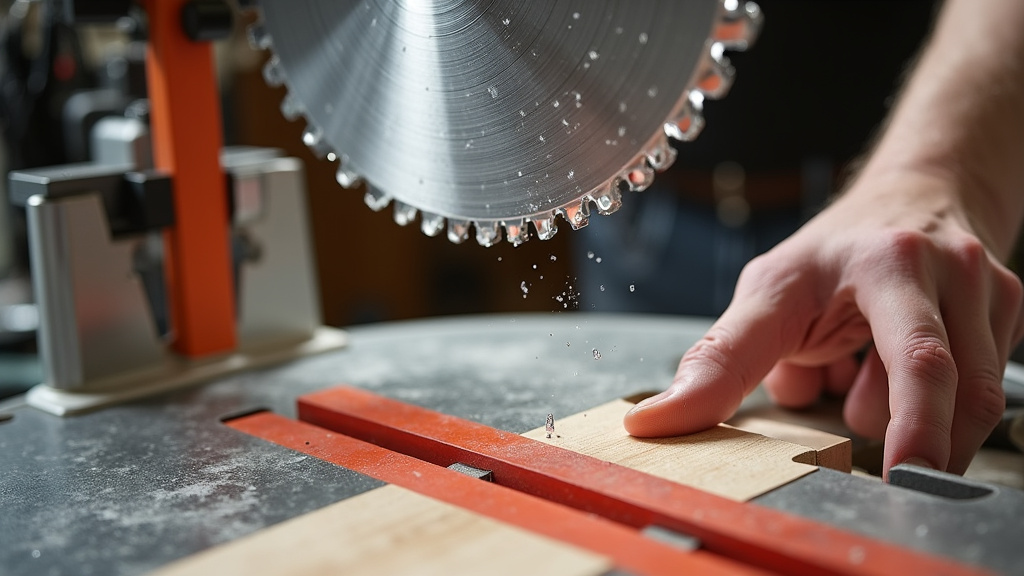
Miter Saw Maintenance and Setup
Beyond the blade and your cutting technique, a few basic maintenance and setup checks can make a world of difference. These are often overlooked but are critical for optimal performance.
Blade Tension and Alignment
While not as common as a dull blade, improper blade alignment or tension can contribute to rough cuts. Most miter saws don’t require manual blade tensioning like a bandsaw, but ensuring the blade is mounted squarely and the arbor is free of debris is crucial.
A misaligned blade won’t cut straight and can cause uneven contact with the wood. Always ensure the blade is seated flat against the flanges. Before making any cuts, especially after changing a blade, double-check that it’s mounted correctly and spins true.
Motor Speed (RPM)
Your miter saw has a specific motor speed, measured in revolutions per minute (RPM). If the motor isn’t reaching its intended speed, the blade won’t spin fast enough to cut cleanly. This is often a sign of a struggling motor or an electrical issue.
If you notice your saw sounds like it’s straining or not spinning as fast as it used to, even with light pressure, it could be a sign that the motor isn’t performing optimally. We found that a motor that’s overheating or has worn brushes might not deliver enough power to spin the blade at the correct RPM for a clean cut. For many common 10-inch miter saws, RPMs typically range from 4,000 to 5,000.
Quick Checklist for Smoother Cuts
Before you get frustrated and blame the saw, run through this quick checklist:
- Is your blade sharp? If in doubt, sharpen or replace it.
- Are you using the right blade for the material (tooth count/type)?
- Is the blade spinning true, without wobble?
- Are you feeding the wood too fast? Try a slower, controlled pace.
- Is your material properly supported on all sides?
- Does the saw motor sound like it’s running at full power?
By systematically checking these elements, you’ll likely pinpoint the reason behind your miter saw’s rough cuts and get back to enjoying clean, precise woodworking.
Conclusion
You’ve discovered that rough cuts from your miter saw aren’t a lost cause. By systematically checking your blade’s sharpness, tooth count, and alignment, you’re well on your way to smoother results. Remember, how you feed the material and ensure it’s properly supported also plays a huge part. Don’t let splintered edges get you down!
Your next step is to perform a quick visual inspection of your blade and then try a slower, more controlled cut on a scrap piece of wood. Addressing these common issues will help you achieve the clean, professional finish your projects deserve.
Frequently Asked Questions
How often should I check if my miter saw blade is dull?
You should visually inspect your blade regularly, especially if you notice a decline in cut quality. For frequent users, checking for dullness every few months or after a significant project is a good habit. If you accidentally hit a nail or cut through very abrasive material, inspect it immediately.
Can a blade that’s too large for my saw cause rough cuts?
Not directly. The size of the blade (e.g., 10-inch vs. 12-inch) is usually dictated by your saw’s capacity. The issue is more about the blade’s condition and its suitability for the material, not just its physical size fitting the saw’s arbor.
What’s the difference between a blade for hardwoods and one for softwoods?
Blades designed for hardwoods often have fewer teeth per inch, allowing for larger gullets to clear chips more effectively and a stronger tooth design. Softwood blades typically have more teeth for a cleaner finish and less risk of tear-out on delicate grain patterns.
My saw seems to be vibrating a lot. Could that cause rough cuts?
Yes, excessive vibration is a strong indicator of a problem that can lead to rough cuts. It often means the blade is wobbling, loose, or there might be an issue with the saw’s motor or arbor bearings. Ensure the blade is securely mounted and running true.
Is it okay to use a wood blade on plastic or metal with a miter saw?
Generally, no. Using a wood-specific blade on materials like plastic or metal can dull the teeth quickly, produce poor results, and potentially be dangerous. Always use blades designed for the specific material you are cutting to ensure safety and cut quality.