How To Unlock Hitachi Miter Saw?
To unlock your Hitachi Miter Saw, locate the saw head release pin or knob, typically found at the rear or side of the saw’s arm. Press or pull this pin to free the saw head from its lowered, locked position.
This action allows the saw head to move up and down, making it ready for use or adjustment.
Here’s a quick overview of how to unlock your Hitachi Miter Saw:
- Identify the main saw head locking pin.
- Press, pull, or turn this pin as needed.
- Release the saw head gently upwards.
- Check other specific locks like the miter or bevel.
- Always ensure the saw is unplugged during checks.
How To Unlock Hitachi Miter Saw?
Unlocking your Hitachi Miter Saw usually means freeing the saw head. This lets you raise it from its lowered, stored, or transport position. It’s a simple step, but crucial for safe operation.
Understanding the Saw Head Lock
Imagine your miter saw sleeping soundly; the head lock keeps it safe. This lock prevents the saw head from springing up unexpectedly. It’s a safety feature for transport and storage.
Every Hitachi model has this lock, though its exact location might vary. Think of it as a seatbelt for the saw head.
Finding the Release Pin or Knob
Most Hitachi miter saws feature a distinctive pin or knob. You’ll often find it at the back of the saw arm, near the hinge point.
Some models place it more towards the side. Take a moment to look around the saw’s main body structure.
Step-by-Step Guide to Releasing the Saw Head
Ready to get started? Let’s walk through the steps together. This process is straightforward and quick once you know where to look.
Step 1: Unplug for Safety
Before touching any part of the saw, always disconnect it from power. This is your number one rule for any saw adjustment (OSHA guidelines).
You never want an accidental start. Safety first, always.
Step 2: Locate the Locking Pin
Look for a round or cylindrical pin. It will usually be sticking out near the hinge where the saw arm pivots.
It might have a small handle or a textured grip. Some models have a small lever instead.
Step 3: Engage the Release Mechanism
Once found, push, pull, or turn the pin. For many Hitachi saws, you need to pull the pin outwards.
You might hear a soft click as it disengages. It’s like unlatching a gate.
Step 4: Gently Lift the Saw Head
With the pin disengaged, gently raise the saw head. It should move freely upwards.
Don’t force it; if it doesn’t move, recheck the pin. It should feel smooth, not stiff.
What if it’s Still Locked? Troubleshooting Tips
Sometimes, things don’t go as planned. Don’t worry, it’s often a minor issue. We have found a few common reasons for a stubborn lock.
Check for Debris
Sawdust can accumulate around the pin mechanism. Use a brush or compressed air to clear any build-up.
A little grit can prevent the pin from fully releasing. Keep your tools clean for best function.
Ensure Proper Alignment
Sometimes the saw head needs a tiny push downwards. Try pressing the saw head down slightly while releasing the pin. This can help to relieve tension on the lock.
It’s like jiggling a key in a sticky lock.
Other Hitachi Miter Saw “Locks” and How to Handle Them
Your miter saw has several adjustable parts that also “lock” into place. Knowing these helps you maintain precision and control.
Miter Angle Lock
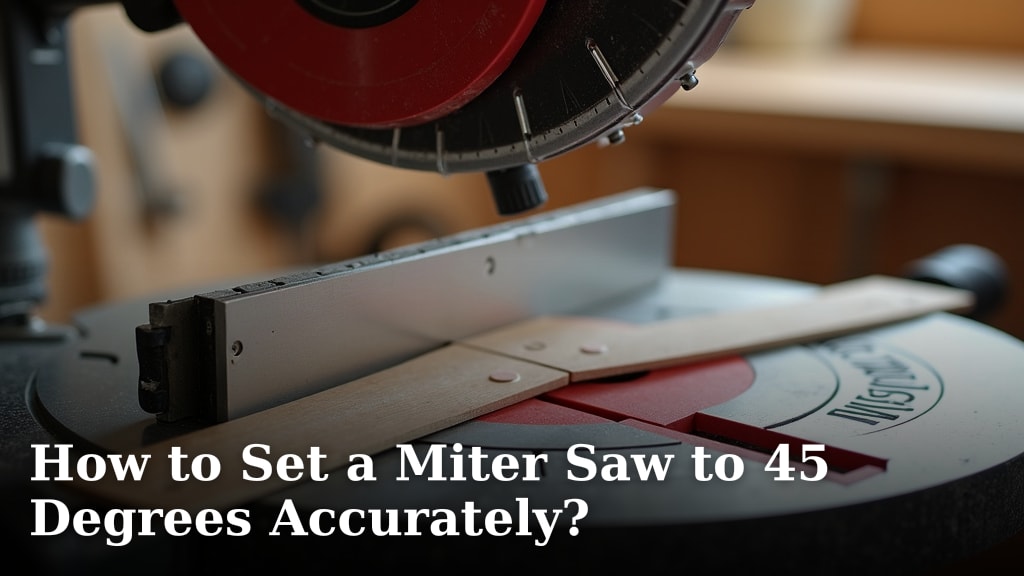
This lock secures the turntable at your desired angle. You’ll find a lever or knob at the front of the saw base. Loosen it to adjust, then tighten to lock.
Many models have positive stops at common angles, making adjustments easier.
Bevel Angle Lock
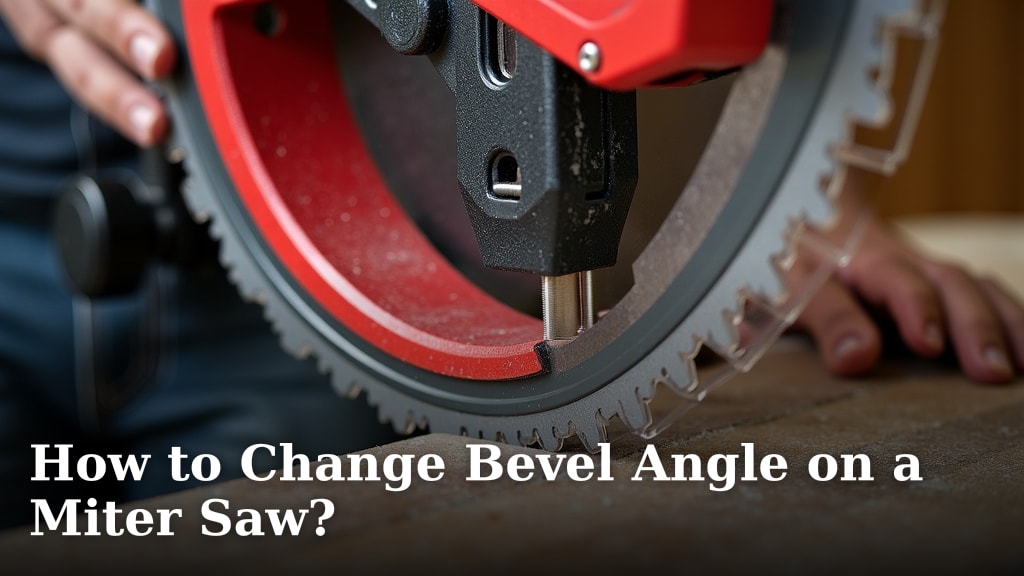
The bevel lock allows the blade to tilt left or right. It’s usually a knob or lever at the back of the saw. Release it to tilt the head, then fasten it for bevel cuts.
Always double-check both bevel and miter locks before cutting.
Blade Lock for Changes
When changing blades, you use a spindle lock button. This button prevents the blade from spinning. You push it in while loosening the arbor nut. Research shows this makes blade changes safer.
Never try to change a blade without engaging this lock. Many experts say this is a critical safety step.
Here’s a quick checklist for common “locked” situations:
- Saw Head: Locate the rear release pin.
- Miter Angle: Loosen front lever/knob.
- Bevel Angle: Release rear knob/lever.
- Blade Change: Engage spindle lock button.
- Sliding Mechanism: Release slide lock lever (if present).
Why is My Blade Guard Sticking?
Sometimes, the transparent blade guard might feel stuck or slow. This isn’t usually a “lock” but a functional issue. Often, sawdust buildup is the culprit.
Clean the guard and its pivot points thoroughly. A little silicone spray on the pivot can also help it move freely.
| Lock Type | Location | Action to Unlock |
|---|---|---|
| Saw Head | Rear of saw arm | Pull/push pin |
| Miter Angle | Front of base | Loosen lever/knob |
| Bevel Angle | Rear of saw head | Release lever/knob |
| Blade Change | Next to blade arbor | Press spindle lock button |
This table can be viewed comfortably on any device, ensuring you always have the details at your fingertips.
Conclusion
Unlocking your Hitachi Miter Saw is typically a simple process once you identify the correct mechanism. Most often, you are dealing with the saw head release pin.
Always prioritize safety by unplugging the saw before making any adjustments. We found that understanding all the different locking points on your saw ensures precise and safe operation.
Taking a few moments to understand your tool ensures smooth projects every time. Now go create something amazing!
Frequently Asked Questions
Why won’t my Hitachi Miter Saw head stay up?
If your saw head doesn’t stay in the up position, the locking pin might be stuck in the ‘released’ position, or the spring mechanism could be faulty. Check for debris around the pin or consider if the spring needs professional attention.
Can I lubricate the locking pin on my miter saw?
Yes, you can use a dry lubricant like a PTFE spray or a silicone-based spray. Avoid oily lubricants, as they attract sawdust. Apply sparingly to the pin and its housing to improve movement.
What is the small knob on the side of my Hitachi Miter Saw base for?
That small knob on the side of the base is typically for the miter adjustment. It allows you to loosen the turntable to change the cutting angle, and then tighten it to secure your chosen angle for precise cuts.
My Hitachi Miter Saw blade guard feels stiff; is it locked?
A stiff blade guard isn’t usually “locked” but rather obstructed. It’s most likely due to sawdust and grime buildup around its pivot points. Clean it thoroughly, and it should regain smooth operation. A little dry lubricant can also assist.
Is it safe to store my miter saw with the head unlocked?
No, it is generally not safe. Many experts recommend always locking the saw head in the down position for storage and transport. This prevents accidental movement and potential damage or injury (Manufacturer guidelines often confirm this).