Which Hand Should You Use to Operate a Miter Saw?
Use your dominant hand to control the saw handle and trigger, and your other hand to hold the workpiece against the fence. Keep both hands out of the blade path, and never reach across the blade to steady stock.
On this page (8 sections)
- Which hand should operate the miter saw?
- Where should your free hand go?
- How do you avoid crossed-arm cutting positions?
- What if you are left-handed or the saw feels awkward?
- Should you remove or bypass the blade guard?
- Can a vacuum switch help with miter saw dust?
- How do you operate the saw without reaching near the blade?
- Which hand position should you use?
Use your dominant hand to control the miter saw handle and trigger, and your other hand to hold the workpiece against the fence. Keep both hands outside the blade path, and never reach across the blade to steady stock.
Your exact hand placement depends on the saw design, the cut, and whether the stock is supported. Review miter saw safety features when checking what your model provides.
The key rule is simple: your arms should not cross the cut line, and the hand holding the wood must stay clear of the blade.
Which hand should operate the miter saw?
Use the hand that gives you the clearest, steadiest control of the handle and trigger. For many people, that's the dominant hand, while the other hand holds the workpiece against the fence.
A left-handed person can operate a saw left-handed if the controls and work position let them keep a safe stance. Check the manual for your specific model, since handle design, switches, and safety features vary.
Don't choose a hand position that makes you lean over the saw or reach across the blade. Move yourself or the workpiece until you can see the cut and operate the controls without crossing your arms.
Where should your free hand go?
Keep your free hand on the stock only when it can hold the piece securely outside the marked no-hand zone. Press the workpiece against the fence and table, with your fingers clear of the blade path.
Look for the no-hand area marked on the saw or described in its manual. If the workpiece is too small, too narrow, or awkward to hold safely, secure it with a clamp that the manual permits.
Support long stock so it stays level and doesn't shift as the blade moves through it. A helper should support the far end, not reach near the blade or try to hold the stock for you.
How do you avoid crossed-arm cutting positions?
Stand so the hand on the handle and the hand controlling the stock stay on their own sides of the cut. If you have to reach across the blade to hold the piece, stop and change your position or setup.
Before powering on, place the stock against the fence and make sure it can't twist or slide. Check that your hands will remain clear throughout the blade's full path, including as the saw head lowers and rises.
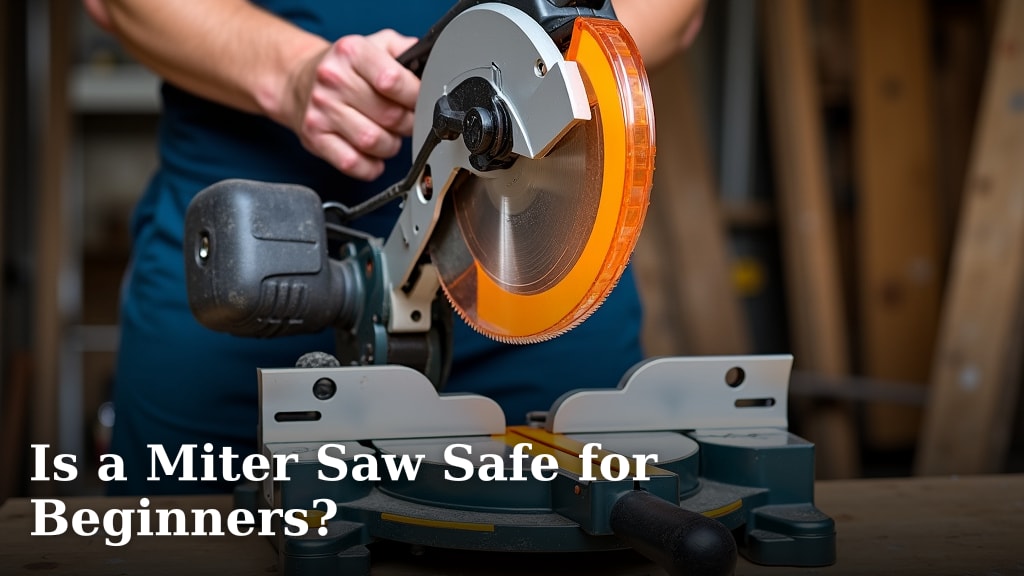
For a different view of the steps, read How To Use A Miter Saw Safely?. A beginner should also review Is a Miter Saw Safe for Beginners? before making a first cut.
What if you are left-handed or the saw feels awkward?
Use a position that gives you control without forcing your wrist, shoulder, or arms across the cut. If the handle feels awkward from your usual stance, adjust your stance or stock support rather than twisting your body to reach.
Keep the saw on a stable surface with enough room to place and support the workpiece. Before cutting, check that the fence, blade path, and controls remain visible from where you stand.
Age and supervision also matter for safe operation. See What Age Is Appropriate for Using a Miter Saw? for guidance on younger operators.
Should you remove or bypass the blade guard?
No. Keep the guard in place and working as designed.
Don't hold it open, defeat its mechanism, or put your fingers near the blade to improve visibility.
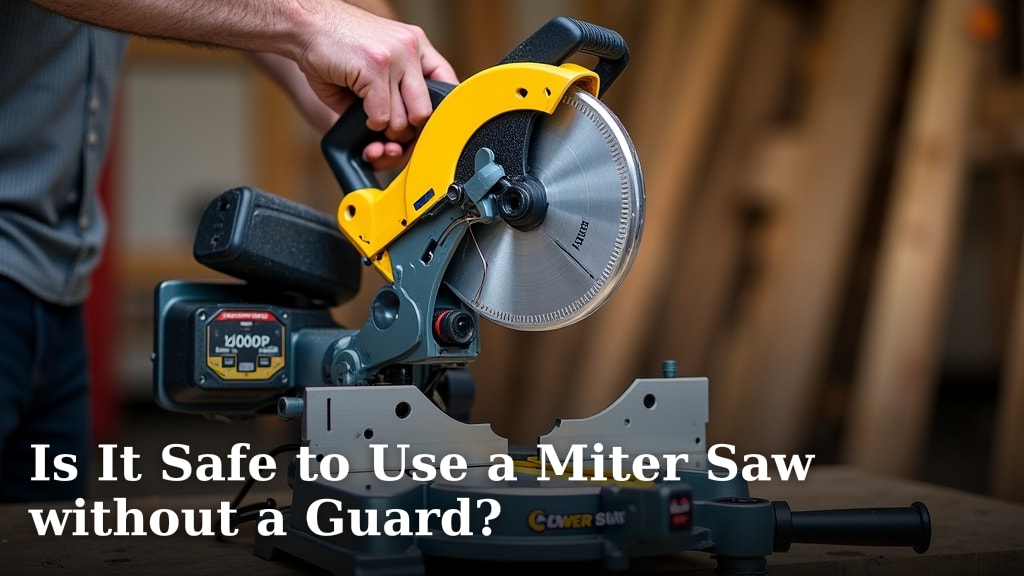
If a guard sticks, doesn't return, or blocks safe operation, stop using the saw and follow the manual's instructions for inspection or repair. Read Is It Safe to Use a Miter Saw without a Guard? for more on why the guard matters.
Can a vacuum switch help with miter saw dust?
A vacuum switch can start a connected vacuum when the saw runs, which may reduce the need to reach for a separate switch. It doesn't replace safe hand placement, a suitable dust collection setup, or the saw's operating instructions.
The Ortis Automatic Vacuum Switch has two tool outlets, three vacuum modes, and an adjustable 30W or 60W actuation threshold. Ortis describes it as compatible with miter saws, within its stated 120V, 15A, and 1,875W maximum motor rating.
The second Ortis Automatic Vacuum Switch also has two tool outlets and automatic, off, and on modes. Its automatic mode delays vacuum startup by 1 second and shutoff by 7 seconds.
The KTNNKG 120V Remote Outlet Automatic Vacuum Switch has a load-sensing vacuum outlet and remote control. Its vacuum outlet starts when the tool outlet reaches 30W, then continues for 7 seconds after the tool stops in auto mode.
Check each switch's compatibility and maximum motor rating before connecting a saw and vacuum. Keep cords clear of the blade, your feet, and the workpiece.
How do you operate the saw without reaching near the blade?
Set up the workpiece and supports before starting the saw. Keep your hands in safe positions, use the handle to control the saw head, and let the blade stop before moving stock or clearing scraps.
For more on the operating sequence, read How To Operate A Miter Saw?. A hand miter saw works differently because you move the saw by hand; see How To Use A Hand Miter Saw? if that's the tool you have.
Which hand position should you use?
For a typical cut, control the handle with your dominant hand and hold the stock with your other hand, provided your free hand remains outside the marked no-hand zone. If that position crosses your arms or puts your fingers near the blade, reposition yourself, clamp the stock, or choose another safe setup.
Use the saw manual as the final guide for your model's hand placement, guards, and clamping instructions. Stop if you can't see the cut, control the handle, and keep your hands clear at the same time.
Frequently asked questions
Which hand should hold the miter saw handle?
Use the hand that feels natural and gives you firm control of the handle and trigger, usually your dominant hand. Keep your other hand on the workpiece only when it can stay clear of the blade path and hold the stock against the fence; follow your saw manual if it gives different instructions.
Can I use a miter saw left-handed?
Yes, if you can operate the handle and trigger comfortably while keeping your hands clear of the blade and holding the stock securely against the fence. Check your saw manual for its controls and safety instructions, and reposition yourself or the workpiece if your arms would cross the cut line.
Where should my other hand go when using a miter saw?
Keep your free hand on the workpiece, well outside the marked no-hand zone and away from the blade path. Use a clamp or suitable support when the stock is too small, awkward, or far from your hand; never hold a piece where your fingers could enter the blade area.
Should I hold the workpiece with my hand while cutting?
You can hold stock against the fence only if it is stable and your hand stays outside the saw's marked no-hand zone. Use a clamp when the piece is small or difficult to control by hand, and follow the saw manual for clamping and support instructions.